
📝 Activities & Homework
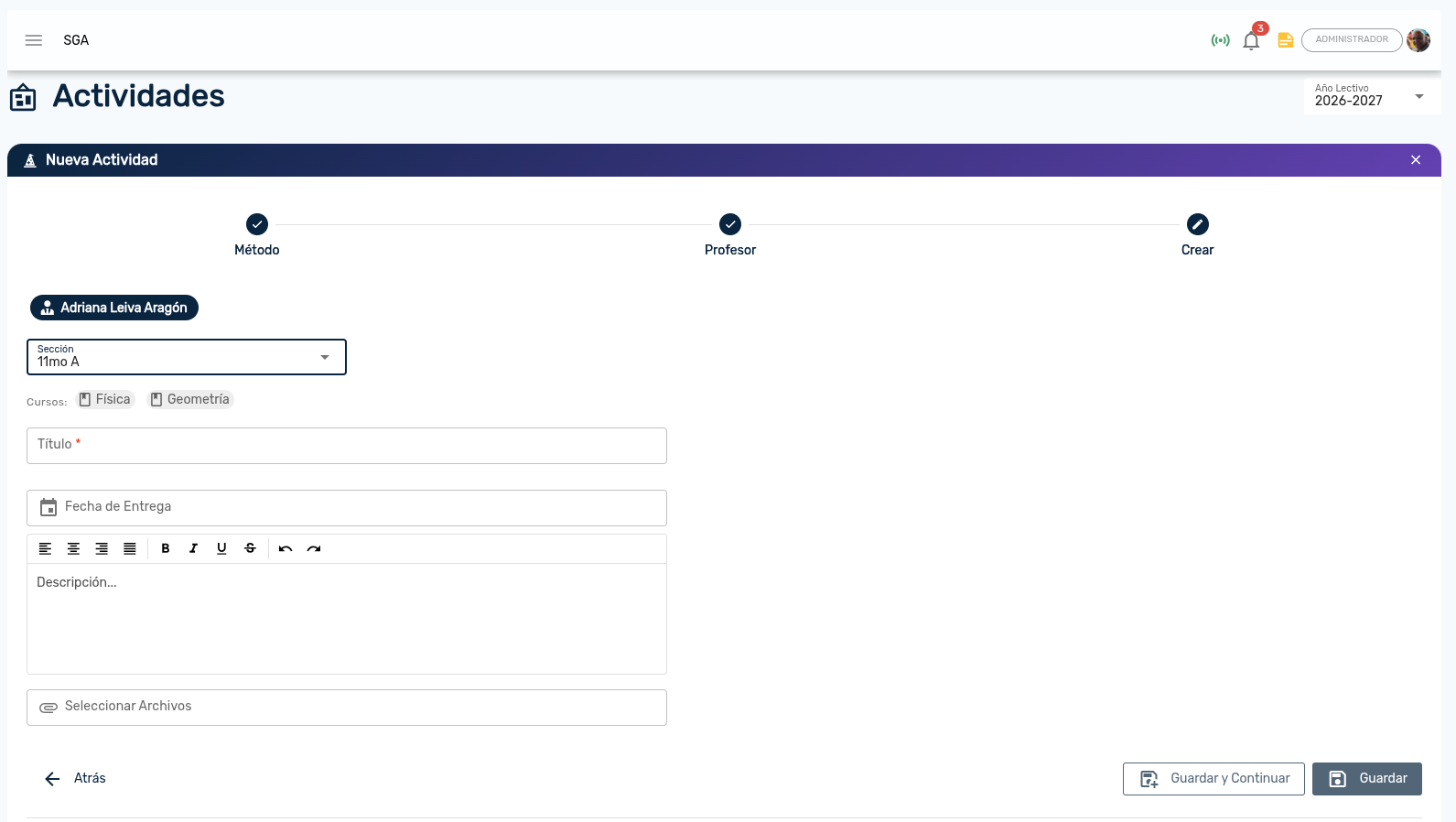
The Activities module allows teachers to create, schedule, and track student homework assignments and projects. It features a step-by-step wizard, multi-section assignment capabilities, and direct Google Drive integration for attachments and digital student submissions.
👤 Primary profile: Teachers / Academic Coordination / Principal
Access: Side menu → Virtual Classroom → Activities
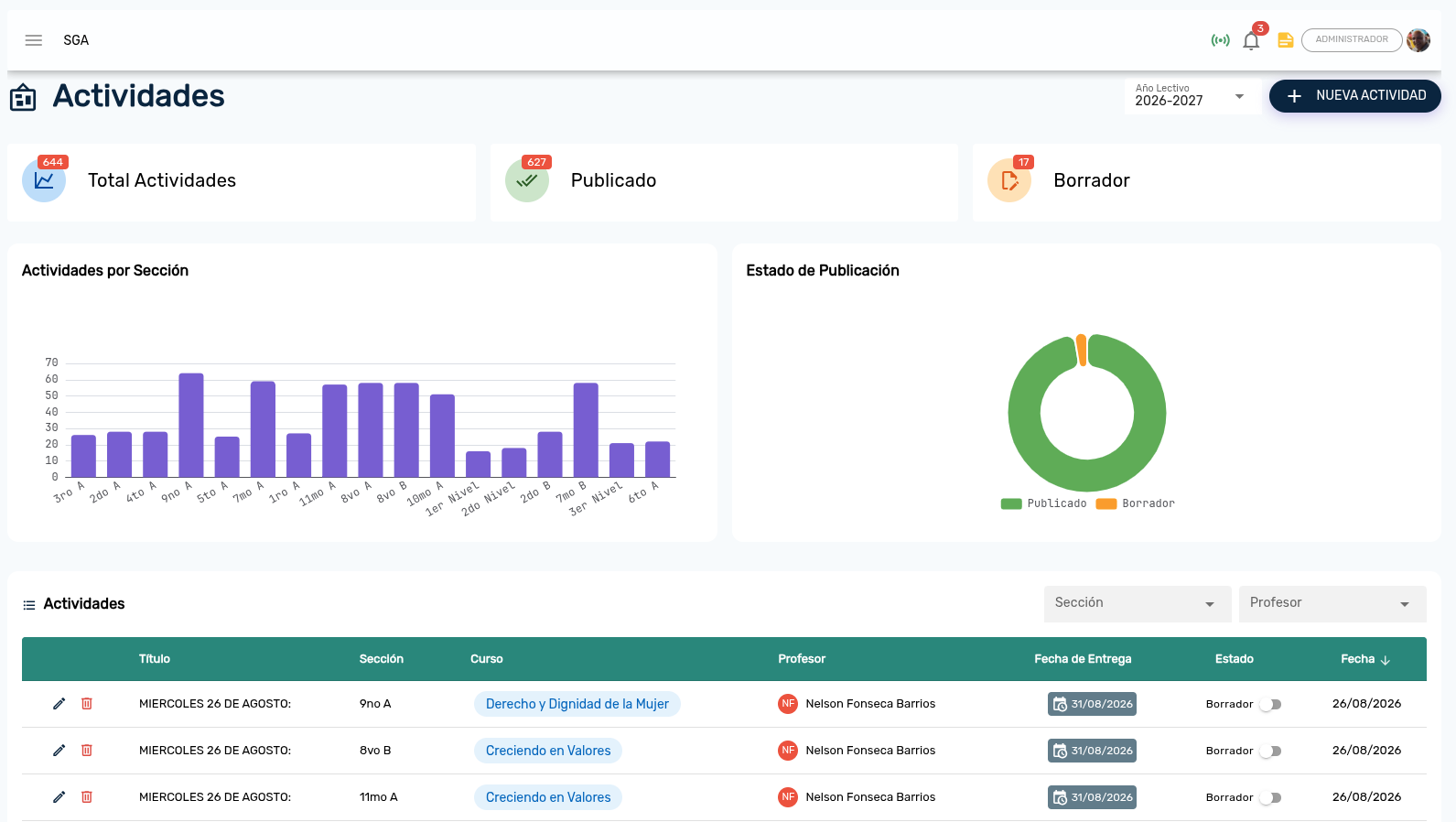
1. Activities Overview Panel
Upon entering the module, select the active Academic Year to display the dashboard of assignments organized by section and course.
2. Step-by-Step Creation Wizard
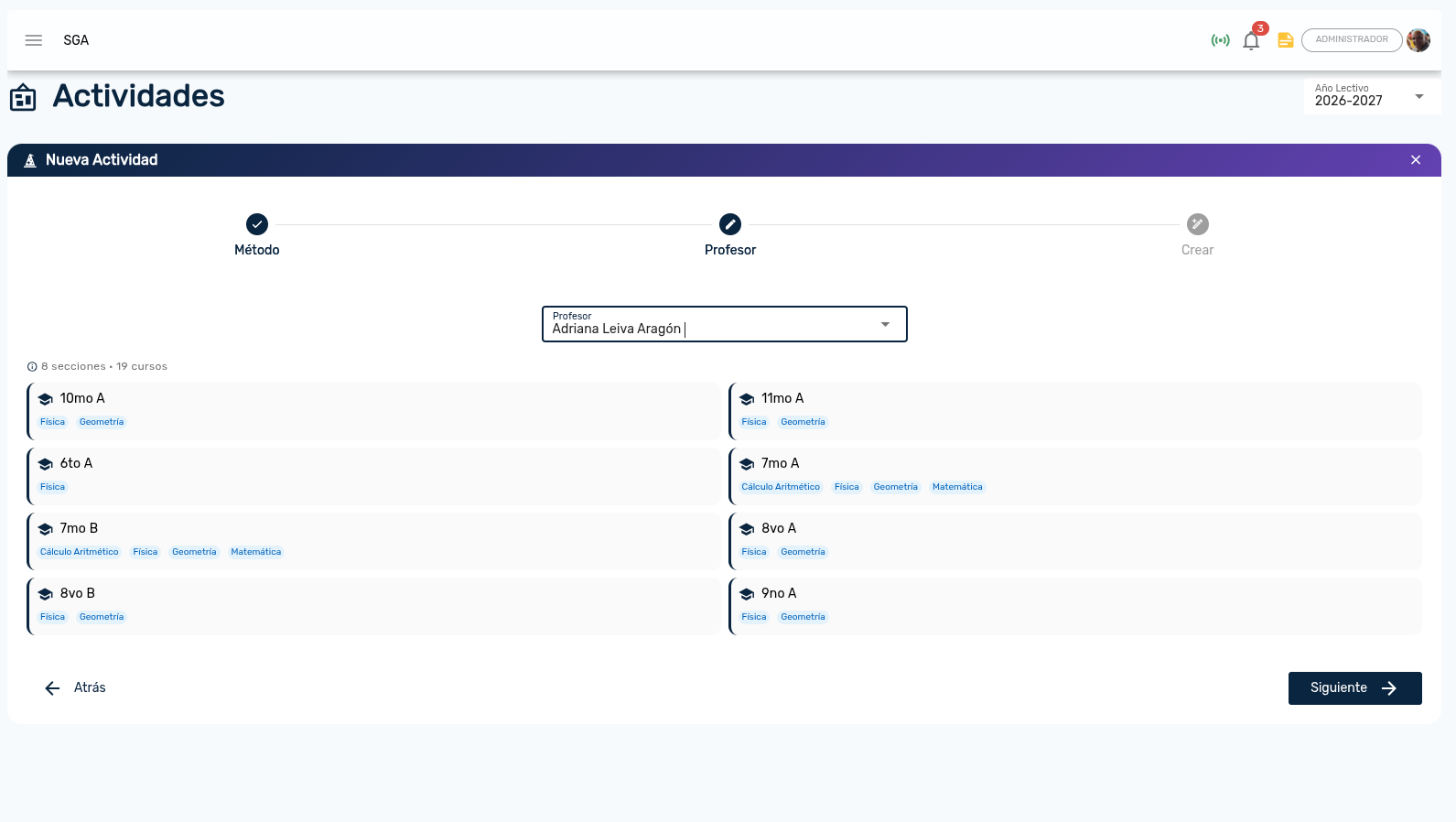
To streamline teacher workload, the system provides a guided setup wizard:
- By Section: For homeroom teachers assigning work to a specific grade and section.
- By Teacher: For specialist teachers (English, Physical Education, Music) assigning the same activity to multiple sections at once.
3. Assignment Details & Configuration
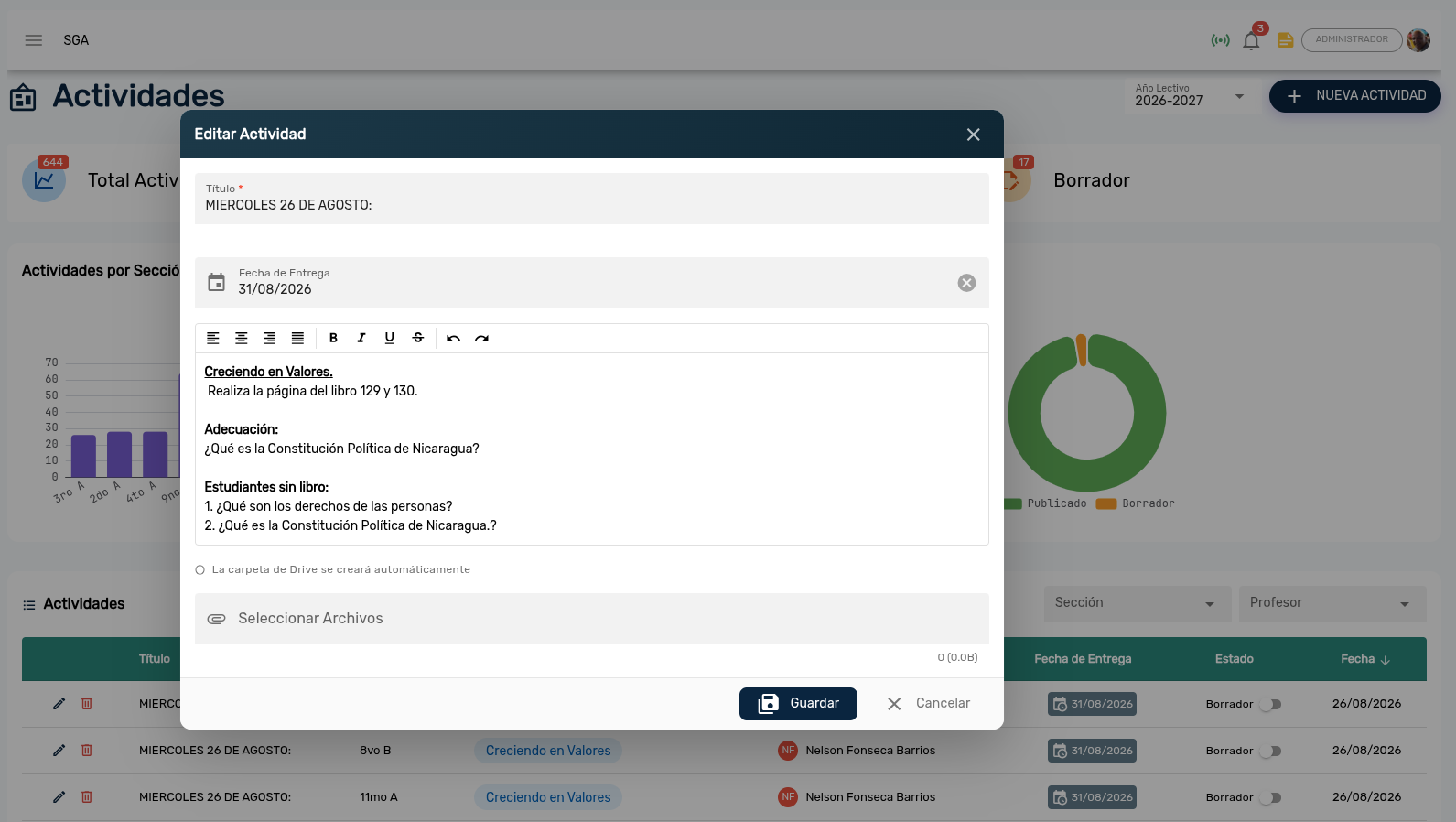
Configure assignment title, evaluation period, due date, points, rich text description, and Google Drive attachments.
4. Google Drive Integration
The SGA automatically manages file hierarchies on institutional Google Drive accounts: {Academic_Year} / {Period} / {Section} / {Course} / {Activity_Title}
5. Submission Tracking & Monitoring
Teachers and coordinators can track assignment progress in real time (Assigned, Submitted on Time, Late Submission, Graded).